MIONLINE SHORT COURSE
Logic Pro Next Step (Level 2)
i COURSE OVERVIEW
i YOU’LL LEARN TO
- Create and use a customized Logic Pro production template
- Configure recording settings, buffer size, and low-latency workflows
- Use Auto Punch, Quick Punch, and Flashback Capture
- Organize tracks and assets using Track Stacks and Arrangement Markers
- Use Chord Track, Session Players, and MIDI effects
- Create beats using Step Sequencer and Pattern Regions
- Build sampled instruments using Quick Sampler and Smart Controls
- Refine audio using Smart Tempo, Flex Time, Flex Pitch, and Groove Track
- Separate and manipulate audio using Stem Splitter
- Route, automate, master, and export a polished stereo mix
i LESSON GUIDE
This week expands on the recording skills introduced in Logic Pro Essentials. You will create a production template, configure important project settings, use intermediate recording tools, and maintain an organized Logic Pro session.
This week develops intermediate MIDI production, arrangement, beat-making, and sampling skills. You will use Track Stacks, Arrangement Markers, Chord Track, Session Players, Step Sequencer, Quick Sampler, and Smart Controls.
This week focuses on refining, correcting, and creatively transforming audio. You will synchronize performances with Smart Tempo, correct timing and pitch, improve groove relationships, separate stems, and render edits.
In the final instructional week, you will expand your mixing workflow using buses, Aux channels, Summing Stacks, detailed automation, and Mastering Assistant. The week concludes with final export, organization, delivery, and troubleshooting.
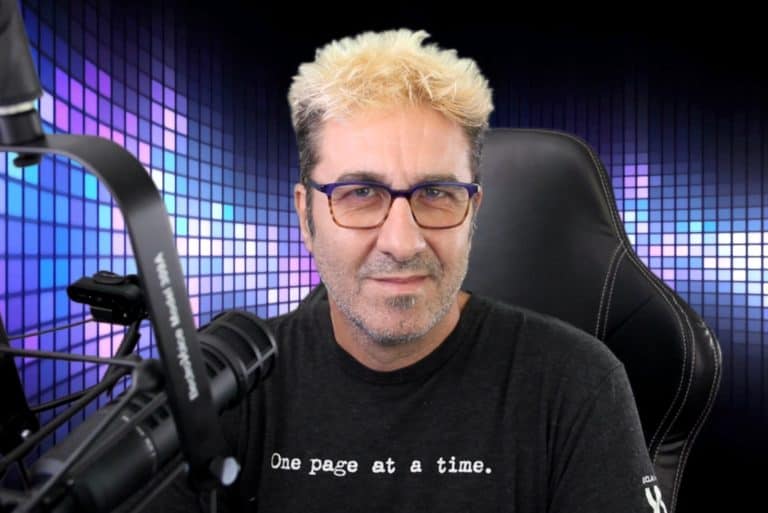
i INSTRUCTOR
Ready to get started?
TURN YOUR PASSION FOR MUSIC INTO A CAREER
Lead Gen 2019 - Horizontal with Program
"*" indicates required fields